Verity Minecraft Wikidownloads, versions and setup
English
Checked against Modrinth · July 19, 2026

Verity Mod Download for Minecraft

Use this Verity Mod download guide for Minecraft to choose Java or Bedrock, confirm the project identity, and avoid guessing which file is real. The Java download below is matched to the current Modrinth release and its published compatibility data.

Independent fan resource. We do not own, modify or repackage Verity files, and we are not affiliated with Mojang, Microsoft, ThatMob, Varmite, Modrinth or CurseForge.

Current Modrinth release

Download Verity JE 5.7.3

Verity JE is the licensed Java adaptation listed by its maintainer on Modrinth. Release 5.7.3 is a Forge mod for Minecraft 1.20.1. It is not a Fabric, NeoForge or Bedrock file.

Verity JE project icon from Modrinth
Minecraft
1.20.1
Loader
Forge
Version
5.7.3
File size
235.1 MiB
Published
July 18, 2026
File
verity-5.7.3.jar
Required dependencies GeckoLibYACL

Ready. A 15-second countdown starts after you choose the download action.

Show published SHA-1 da28115bbad0478d9ed9c97f2466b67d46d13d51
DistributionModrinth CDN
Version match5.7.3 / Forge 1.20.1
IntegritySHA-1 published
Last checkedJuly 19, 2026
Identity before download

Java, Bedrock and Verity remakes are not one file

This Verity Mod download guide for Minecraft separates projects that share the Verity name. Match the edition, creator, loader and source instead of assuming every page points to the same mod.

ProjectEditionIdentityCurrent guidanceNext step
Verity JE JavaLicensed adaptation listed by Varmite5.7.3 · Forge · Minecraft 1.20.1Java details
Verity BE BedrockCommunity Bedrock projectVerify packs and supported version at sourceBedrock details
Verity.exe / remakes VariesSeparate community recreationsDo not treat as the Java release aboveCheck identities

A search result calling itself original, official or real is not enough evidence. Confirm the project page, creator, file type and game version before downloading.

What the Java project adds

Verity is an AI companion with horror mechanics

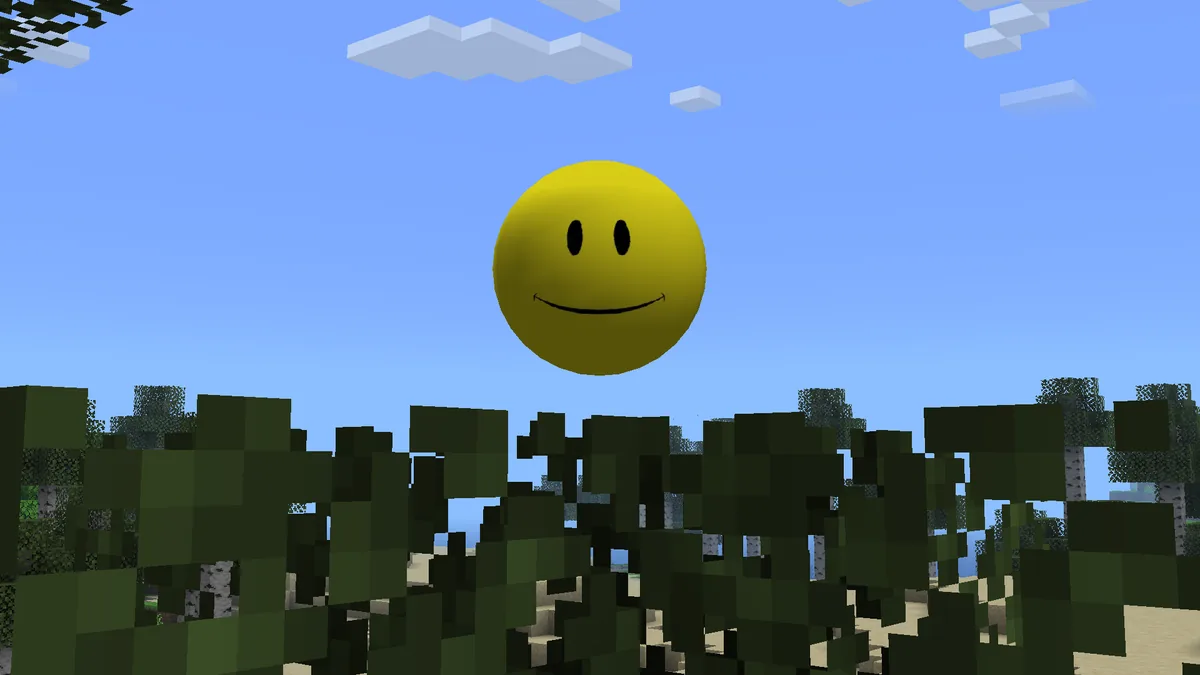
Verity JE brings the yellow AI companion from ThatMob's Verity concept into Minecraft Java Edition. According to the project's Modrinth description, Verity can talk with the player, answer questions and accompany normal gameplay. The experience is not limited to a chat window: it includes an animated box, scripted events, extreme darkness and the hostile Verity Demon.

The AI layer needs additional configuration. Players can use Groq for an online model path or Ollama for a local model path, depending on the maintainer's setup instructions. That requirement is why simply dropping one JAR into a mods folder may not produce a complete experience. The correct loader, both required libraries and the selected AI service all matter.

The project states that AI chat can support multiple languages, while speech-to-text and text-to-speech have only been tested in English. Treat that distinction seriously when planning a voice-based playthrough. A language that works in typed chat may still fail for microphone input or spoken replies.

AI conversationTalk through text or voice after completing the required AI setup.
Animated boxVerity arrives through a dedicated animated object and spawn sequence.
Horror eventsDarkness, scripted encounters and the Verity Demon alter ordinary play.
Voice limitsEnglish is the only speech-to-text and text-to-speech language the project says it tested.
Read the complete Verity overview
Official project video

Watch the Verity JE trailer before installing

The trailer shows the intended tone more clearly than a download card can. Use it to confirm that you are looking for the same AI companion and horror experience described by the current Java project.

Trailer linked by the Verity JE maintainer on the current Modrinth project page. Video is a preview, not an online playable mod.

Install the matching edition

How to install Verity Mod without mixing file types

After choosing a Verity Mod download, follow the matching edition guide. Java and Bedrock use different loaders, folders and package formats, so never substitute a file from the other column.

Minecraft Java 1.20.1

Install Verity JE with Forge

Create a clean Forge 1.20.1 profile, add Verity JE and both required libraries, then configure the AI path before testing voice features.

  1. Install the matching Forge profile.
  2. Add Verity JE, GeckoLib and YACL to the mods folder.
  3. Launch once and complete Groq or Ollama setup.
  4. Test text chat before diagnosing microphone input.
Open the Java install guide
Minecraft Bedrock

Install a verified Bedrock add-on

Open the maintained Bedrock project, confirm its supported game version and import every required behavior and resource pack for that project.

  1. Confirm the add-on source and supported Bedrock version.
  2. Import all required packs, not a Java JAR.
  3. Enable only the experiments the project lists.
  4. Create a test world before using an existing save.
Open the Bedrock install guide

Back up an important world before adding any mod or add-on. Verity changes atmosphere and gameplay behavior, and project updates may not be compatible with an old test world.

AI connection choices

Groq and Ollama solve different setup needs

The current Java project presents an online AI tutorial and a fully local Ollama tutorial. Choose based on privacy, hardware and setup tolerance rather than assuming both modes behave identically.

Online path

Groq

Groq can provide the language-model connection without running the model on your own machine. It requires a valid configuration and network access.

  • Lower local hardware demand
  • Requires an online service and credentials
  • Review what data leaves your device
Local path

Ollama

Ollama keeps the model runtime on your computer, but setup and performance depend on your hardware, model choice and local service configuration.

  • Local model processing
  • Higher storage and hardware requirements
  • The local service must be running correctly
Important language note

Text support is broader than tested voice support

The project says AI chat supports all languages, but only English speech-to-text and text-to-speech were tested. Check Windows microphone permission, the selected input device and the AI connection before treating a language-specific voice failure as a mod bug.

Diagnose voice and API problems
Fix the common blockers

When Verity does not spawn, hear or answer

Most first-run problems belong to one of four layers: Minecraft/loader compatibility, missing dependencies, the AI service or the audio device. Checking them in that order is faster than reinstalling random files.

Missing dependency

Confirm GeckoLib and YACL are installed for the same Minecraft 1.20.1 Forge profile as Verity JE.

API connection failed

Verify the chosen Groq or Ollama service is configured, reachable and using the values expected by the current setup guide.

Verity cannot hear you

Test typed interaction first, then check OS microphone permission, the active input device and the project's English voice limitation.

Verity does not spawn

Use a clean supported profile, confirm all required files loaded and review the game log before changing worlds or versions.

Search questions answered

Verity Mod FAQ

These answers separate verified project facts from assumptions that commonly appear in videos, reposts and mirror pages.

Is the Verity Mod real?

Yes. Verity JE is a live Modrinth project for Minecraft Java Edition, and its project description says it is a licensed adaptation published with ThatMob's permission. Separate Bedrock and remake projects also exist, so the name alone does not identify one universal file.

What is the current Verity JE version?

The latest Modrinth release checked on July 19, 2026 is Verity JE 5.7.3, published July 18, 2026. It targets Minecraft 1.20.1 with Forge.

Is Verity Mod available for Bedrock Edition?

Community Bedrock add-ons are available, including projects listed on CurseForge and MCPEDL. They are separate from the licensed Java adaptation and may use different packs, backends and game-version requirements.

Does Verity JE work with Fabric or NeoForge?

The current Modrinth project metadata lists Forge and Minecraft 1.20.1. Do not assume Fabric or NeoForge compatibility unless a maintained project version explicitly adds those loaders.

Why is the Verity JE file so large?

The 5.7.3 JAR is about 235.1 MiB according to the published file size. The project includes models, sounds, animations and other assets, but file size alone is not proof of safety or danger. Verify the source URL and published hash.

Is the Verity Mod safe to download?

No website can guarantee a mod is risk-free. Reduce risk by using the maintained project page or its CDN, matching the published filename and hash, avoiding repacked mirrors and backing up worlds before testing.

Can Verity hear my microphone?

The project supports voice interaction, but speech-to-text and text-to-speech are officially described as tested only in English. OS permission, the active microphone, dependencies and the AI service must all work.

Can I play Verity Mod in multiplayer?

The current Modrinth metadata marks the Java project as required on both client and server. A server owner must use the matching Forge/Minecraft setup and consider how voice and AI-service configuration will work for players.

Choose with evidence

Start with the edition you actually play

Complete the Verity Mod download only after checking the edition and source. For Java, match Forge 1.20.1, Verity JE 5.7.3, GeckoLib and YACL. For Bedrock, review the selected community project's pack and backend requirements before importing anything.

Return to download options