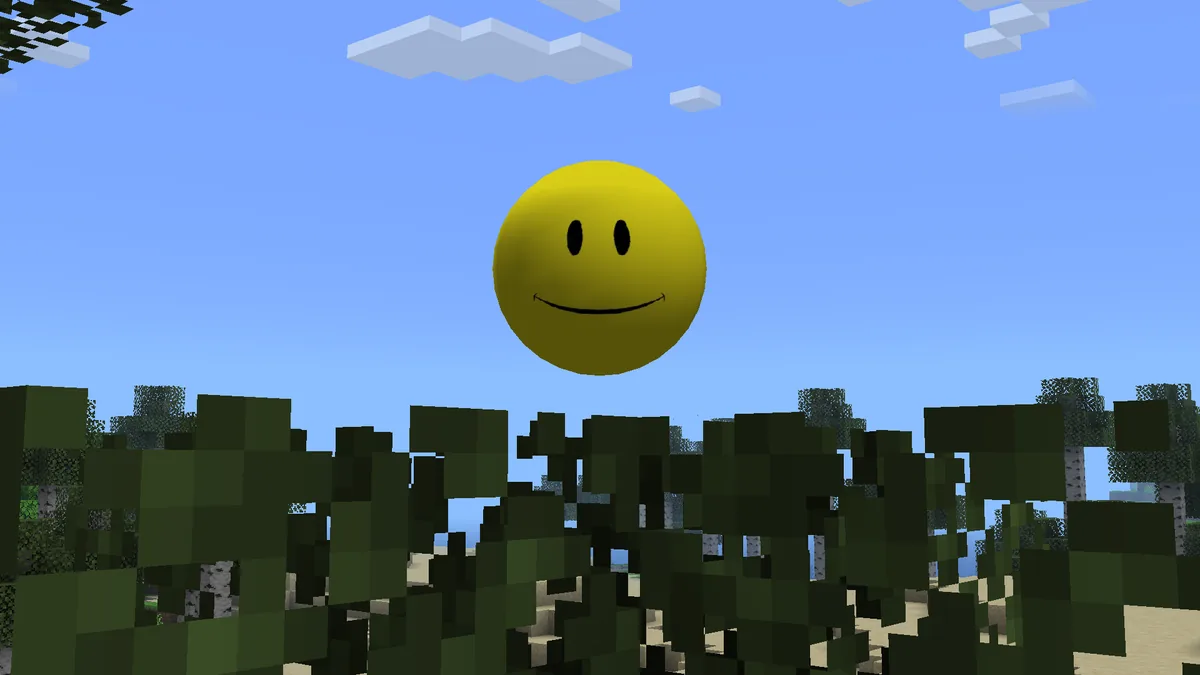
Verity Mod multiplayer requires more than sharing one JAR. The current Verity JE metadata marks the project as required on both client and server, so every side needs a compatible Minecraft 1.20.1 Forge setup and the server owner must plan AI and voice configuration.
Project and version data checked against Modrinth on August 23, 2026.
Official Java project media. Multiplayer behavior still depends on matching server configuration.
Short answer
Yes, but match the mod on both client and server
The Modrinth project metadata reports Verity JE as required client-side and server-side. Use the same Verity version, Minecraft 1.20.1, Forge boundary and required libraries across the server and players.
AI credentials, microphone input and conversation scope require separate planning. Do not publish a shared API key in a modpack, configuration archive or server log.
Client
Required
Server
Required
Minecraft
1.20.1
Loader
Forge
Dependencies
None separately declared for Verity JE v6.0.0-beta.7
Voice test
English
Match the Verity server and clients
Start from a clean Forge 1.20.1 server and confirm it launches before adding mods. Add Verity JE v6.0.0-beta.7 and the server-compatible files required by the project. Every connecting client should use the same Verity release and a compatible dependency set. A client-only copy is not the supported boundary reported by Modrinth.
Distribute a manifest or written file list rather than repackaging projects without permission. Include exact project links, versions and hashes where available. This helps players obtain updates from the creators and avoids accidentally publishing secrets inside a configuration bundle.
Layer
Must match
Common failure
Minecraft
1.20.1
Protocol or registry mismatch
Loader
Compatible Forge builds
Mod discovery or networking failure
Verity JE
Same release
Missing channel or content mismatch
Dependencies
Only files named by current release instructions
Startup or configuration errors
Build the multiplayer server in stages
Use a disposable server world until spawning, AI behavior and player connections are stable.
1
Launch an empty Forge server
Accept the EULA and confirm Minecraft 1.20.1 Forge starts without Verity.
2
Add the declared mod set
Install Verity JE and required dependencies from maintained project sources.
3
Connect one matching client
Verify login, world loading and Verity behavior before inviting more players.
4
Configure the AI path
Decide whether the server, clients or project workflow owns Groq or Ollama configuration.
5
Back up and load-test
Test multiple players, disconnects and restarts before moving an existing world.
Plan AI credentials and privacy
Do not place a Groq credential in a downloadable public modpack or paste it into a support channel. Determine whether each player should use a separate credential or whether the project's architecture centralizes the AI request. Follow the current maintainer tutorial because this boundary can change between versions.
For Ollama, consider which machine runs the local service and who can reach it. Binding a model server to every network interface can expose it beyond the intended Minecraft host. Use firewall rules and narrow network access. Players should know whether their prompts or voice transcripts leave their device and which operator controls the service.
Voice and language behavior in multiplayer
The current project description says AI chat supports all languages, while speech-to-text and text-to-speech are tested only in English. Each player's operating system must permit microphone access, and each client may need the correct input and output device. Voice-chat mods are a separate feature unless the Verity project explicitly documents integration.
Test with one English-speaking client, then add other players and languages. If typed interaction works for everyone but one microphone fails, investigate that client's permission and device rather than reinstalling the server.
Run updates without breaking the server
Pin the working Verity, Forge and dependency versions in the server manifest. Test updates on a duplicate server and world backup. Upgrade clients and server together during a maintenance window rather than allowing players to discover mismatches during login.
Protect logs because AI errors may include endpoints, local paths or configuration details. Remove secrets before posting them. Keep rate limits and service costs in mind when multiple players can trigger AI requests at once.
Keep an exact version manifest
Back up the world and configuration before updates
Remove API keys from shared logs
Set expectations for AI availability and rate limits
Maintain a rollback copy of the previous server and client files
Verity Mod multiplayer launch plan
A Verity Mod multiplayer session needs one shared mod baseline and an explicit AI-service plan.
Before opening the server, distribute a written manifest containing Minecraft 1.20.1, the chosen Forge build, Verity JE v6.0.0-beta.7 and any files explicitly named by the current release instructions. Compare filenames rather than relying on a launcher profile name. One client with a different dependency or an extra content-changing mod can produce registry, handshake or behavior differences that look like a Verity failure.
Decide who controls the AI connection. The project metadata says the mod is required on client and server, but that does not by itself define whether every player should use one credential, separate online credentials or a local Ollama service. Test the chosen arrangement with two accounts before inviting a group, and never publish API keys in a modpack, server archive, screenshot or support log.
Voice adds another per-player layer. Each participant should confirm operating-system microphone permission, the active input device and typed AI interaction before testing speech. Because the project describes English as the tested speech-to-text and text-to-speech language, a non-English voice failure should be isolated from server synchronization and basic AI connectivity.
Run the first Verity Mod multiplayer test in a copied world with a small player limit. Verify joining, spawning, text interaction, voice behavior and reconnecting after a server restart. Save logs from both server and affected client when a failure occurs. Once the same configuration survives a restart, archive the manifest and backup before adding unrelated mods or moving to an important world.
Test stage
Server check
Player check
Handshake
Matching Minecraft, Forge and server mod list
Matching client files and dependencies
AI text
Selected service is reachable and configured
Typed prompt receives the expected response
Voice
No server-side error during interaction
Permission, input device and tested language
Restart
World and service return cleanly
Player reconnects with the same profile
Recovery
Server world and config backup exists
Private credentials are absent from shared logs
Verity multiplayer FAQ
Does Verity JE work on a server?
The current Modrinth metadata marks the project as required on both client and server.
Does every player need Verity installed?
Use the supported boundary indicated by the project: matching Verity and compatible dependencies on clients and server.
Can players share one Groq API key?
Do not expose a shared credential in public files. Follow the current project architecture and plan credential ownership and limits deliberately.
Does Verity replace a proximity voice mod?
Do not assume so. Verity voice interaction and player-to-player voice chat are separate unless a project documents integration.
Can Bedrock players join a Verity JE server?
Verity JE is a Java Forge mod. Bedrock community add-ons use different code and are not direct clients for the Java mod.
Multiplayer sources
Current client/server requirement fields come from the Verity JE project API.